Digital Tools

Digital tools boost academic success by enabling fast access, organization, and collaboration.

Table of Contents

Note-Taking:

Studying:

  1. Hybrid Study Framework

Hybrid Study Framework Tools

Screenshot of an online study platform for CS 150 Chapter 6, featuring options such as Flashcards, Learn, Test, Blocks, Blast, and Match, with a main content section displaying a statement about returning 8 or 10 and a progress bar at the bottom.

Quizlet

Quizlet is an interactive study tool with flashcards, quizzes, and games that enhances learning and retention via spaced repetition.
Visit
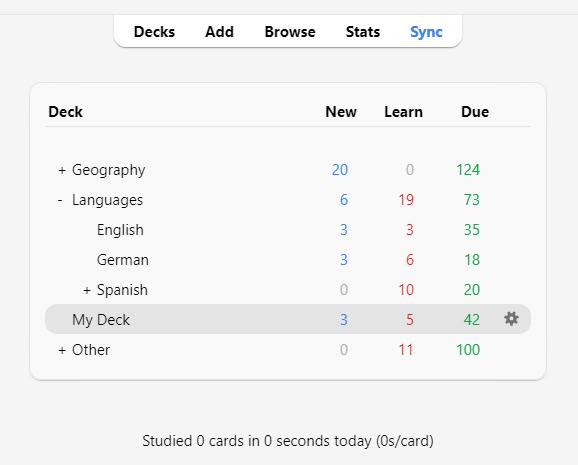
Screenshot of a language learning dashboard showing decks for Geography, Languages, Spanish, and My Deck, with statistics for new, learned, and due cards.

Anki

Anki is a spaced repetition app that boosts long-term memory with scheduled reviews, less overload, and customizable flashcards.
Visit
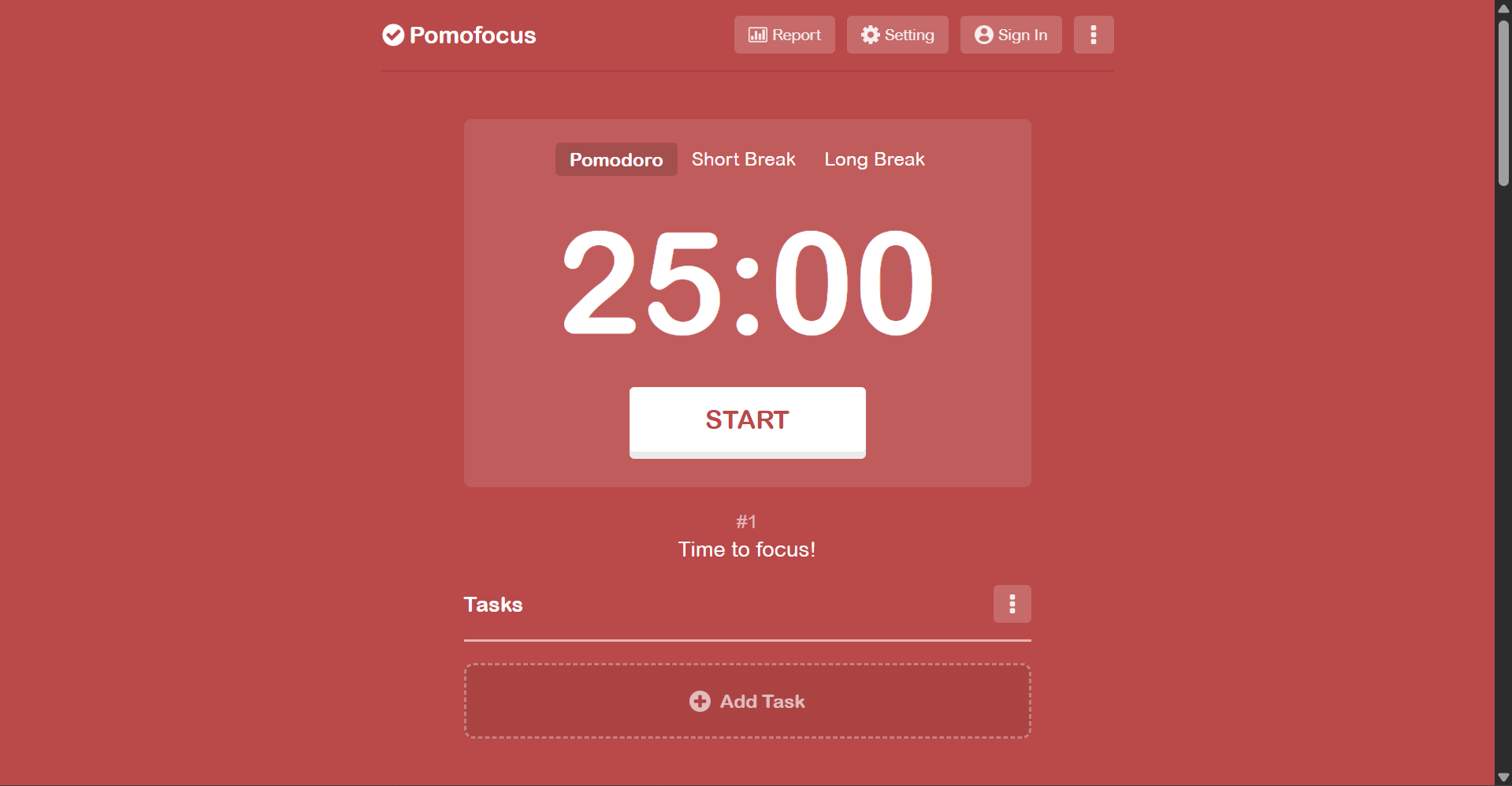
A digital Pomodoro timer on a red background displaying 25 minutes with a start button below, part of a productivity app interface. There are navigation options for report, setting, and sign-in at the top, and tabs for Pomodoro, Short Break, and Long Break.

Pomofocus

Pomofocus is a Pomodoro timer with 25-minute work sessions and 5-minute breaks to help time management and procrastination.

Visit
A screenshot of a digital note-taking app showing a note titled 'Business / Next Steps.' The note includes a list of ways to find clients, mentions ChatGPT, and discusses SaaS marketplaces and communities. The app interface features a sidebar with options like Home, Shortcuts, Notes, Tasks, Files, Calendar, Templates, Notebooks, Tags, Shared with Me, Spaces, and Trash. The note is written in black text on a white background, with markdown formatting and some highlighted links.

Evernote

Evernote is an app for capturing and organizing notes, text, images, audio, and web clips with powerful search, syncing, and collaboration.
Visit
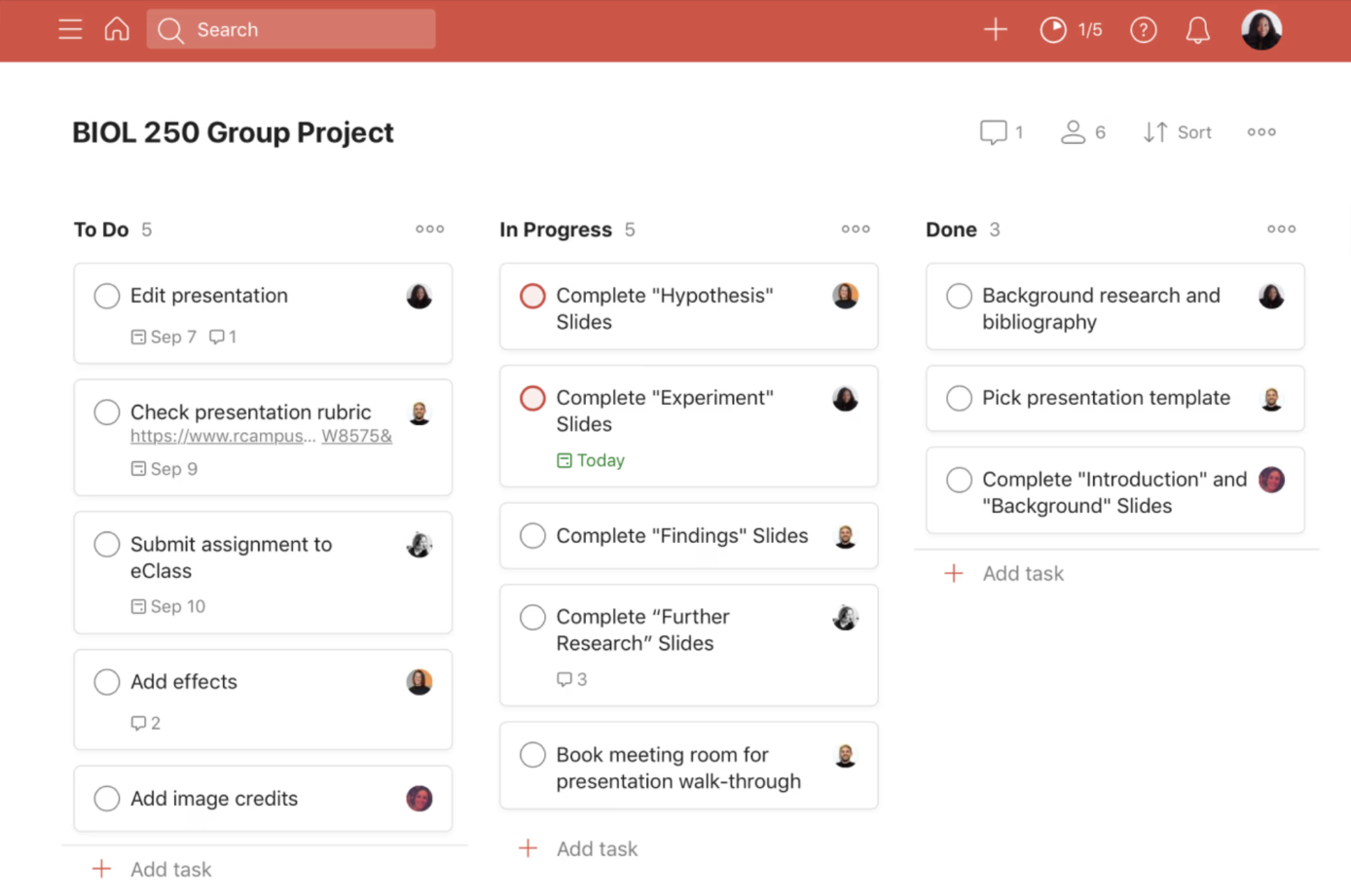
Screenshot of a project management digital workspace titled 'BIOL 250 Group Project.' The workspace is organized into three sections: To Do, In Progress, and Done, each containing multiple tasks related to preparing a presentation and conducting research. The interface shows a red header, search bar, user profile icon, and various control icons at the top.

Todoist

Todoist is a task app for individuals and teams to organize, plan, manage deadlines, and track work via interactive boards.

Visit
A quiz screen asking, 'How many quarters are needed to make $3.50?' with answer choices 14, 12, 16, and 10, against a purple background.

Quizizz

Quizizz is an interactive platform for game-based quizzes, providing real-time feedback, customizable questions, and detailed reports.

Visit